Thank you so very much.
My favorite charts to design are most definitely custom pieces. There is so much special behind stitching something so personalized.
Your Advanced Cross Stitch chart will be created by hand. It's not put into software and a chart spit out. The image is reviewed, edited, and then added to software. The chart is then created and the critical areas are edited, so your results are something you can be proud to stitch. I will not sell you a chart that I myself would not stitch.
You've Successfully Submitted Your Artwork, NOW WHAT?
You wait at first. It usually takes 24 hours, but if it's the weekend give it a little extra time. I do try to take time with my family away from working. I work a full-time job along with making charts.
Why I don't just use email anymore? --- I used to have a lot of trouble with folks getting their files. Email systems do NOT love when you send a lot of attachments. This new system I'm calling the custom file area eliminates the need to send so many attachments and allows you to see if more were added at any time. Nothing can get lost because it's all housed in one single area.
You can of course still email me. My email is stitch@advancedcrossstitch.com and all the messages here will come from that email.
First Thing
The first thing you will get is an invitation to your new custom file area. It will look like this.
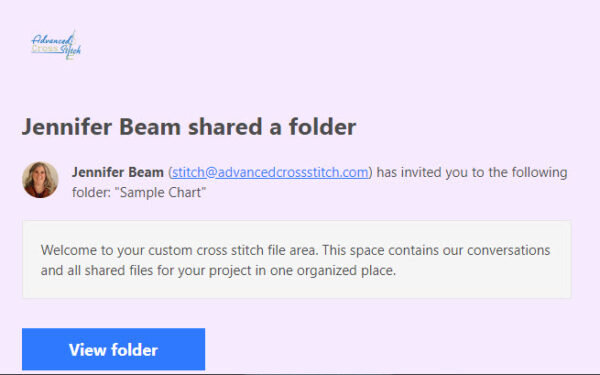
You will then probably get another similar email. I try to get a conversation area going rather quick.
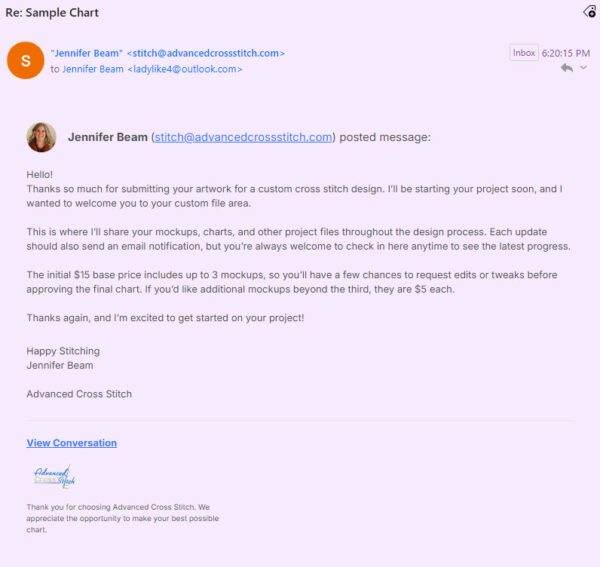
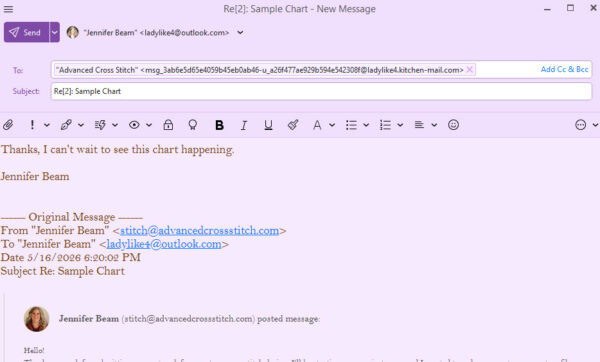
If you ever want to just reply on the email itself, you can. It will all feed into that conversation and can all be viewed in the same area.
Business
So now... we get to business.
The next message you get will include the mockup file. When you view the conversation in the file area, there will be the word files at the top of the conversation. That area will include any files that we have talked about in that conversation.
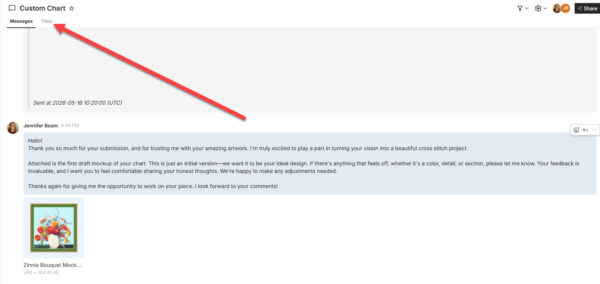
I need you to respond to this message with your thoughts, so look closely at the mockup.
Within the custom file area, there is also just the general chart area, where I also load your files. I try to name the file with your name. I can see all my active custom charts and files, so the folder will be your name or something about the chart. It should be only one. You can open that and it will have all our conversations as well as all the files that I've loaded.
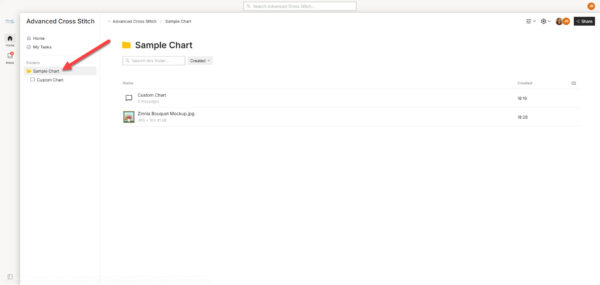
Chatting
So there we go, we can chat back and forth until you are happy with your design, you can reply on emails or you can input messages at bottom of conversations in the custom file area. You can comment on files.
I will add more files and adjust as we go. You'll be able to see everything right in one central location.
Troubles
All the links in the emails will work without you logging in if you click on them really quick, but they also timeout. If they timeout, you'll need to use a Magic Link to get to the conversations and files. You can find the login by using any links from any email either view conversation or view folder. They will all work. The direct link is custom.advancedcrossstitch.com also.
You'll just want to login with email.
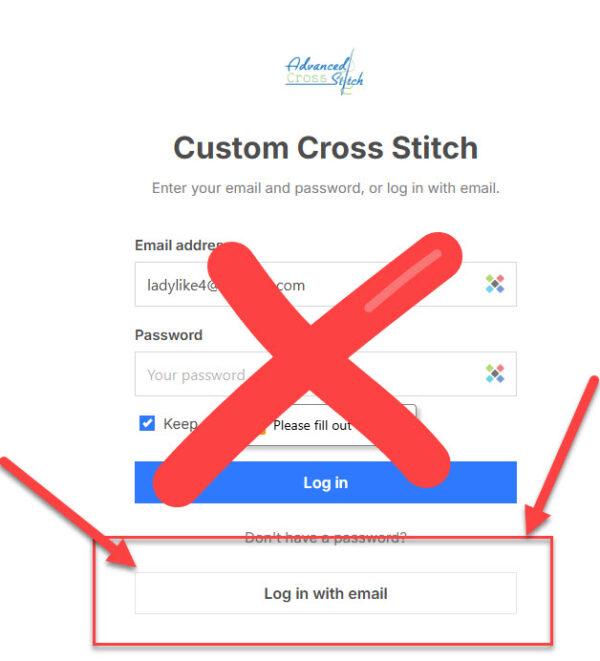
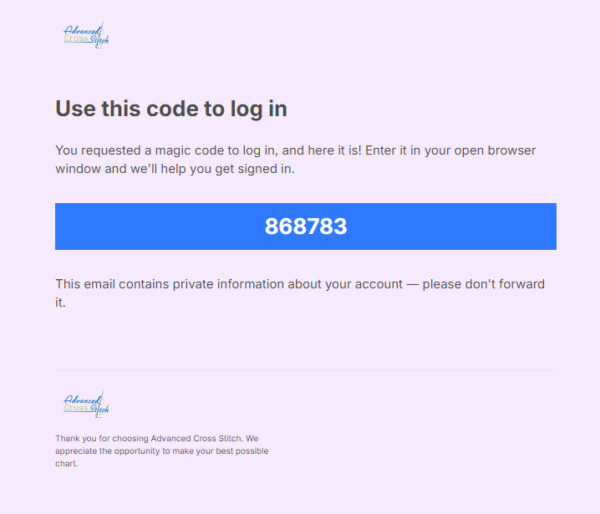
After you've submitted your email, it will email you a number. You'll input that number to access all the files and conversations. (The number will be different than this sample, but this is what it will look like.)
Last thing
After we're done with the back and forth communication. There will be a final file that comes to you. This will be your chart. You will click on the file name it will open this window, you can then download it with the button at the top corner. This sample is the image mockup which you can download those as well if you like. The chart download option will be at the same spot.
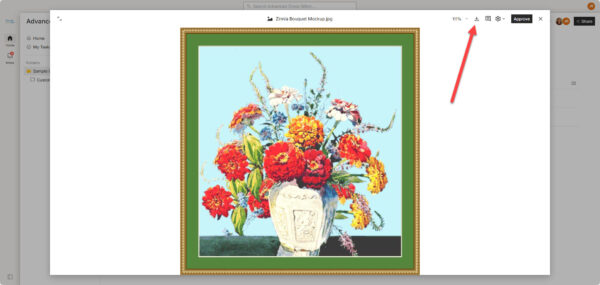
If you are on a mobile device the download button will be below the file image.